
LEADFINDER FOR ANDROID & IPHONE
Your next prospect search starts here.
Choose your platform, create an account, and explore business prospects in the area you want to reach.


Check current plans and availability in your app store and in the app.
A LOOK INSIDE
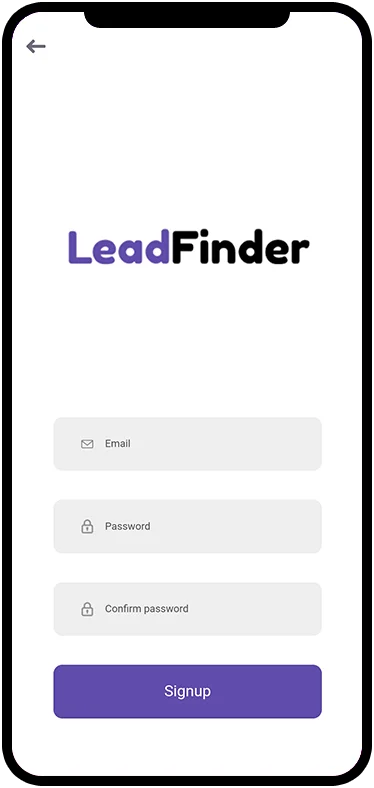
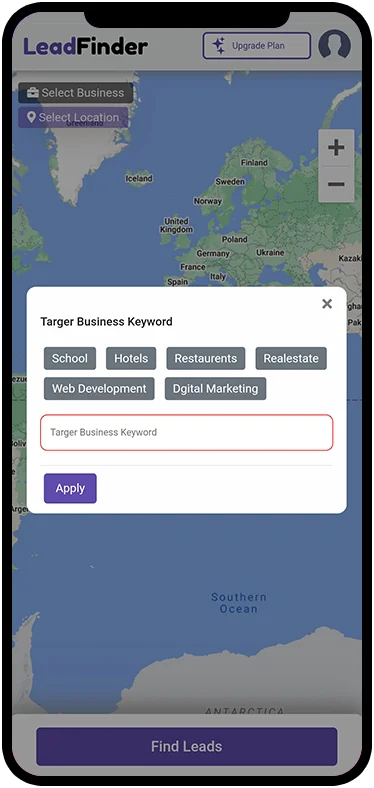
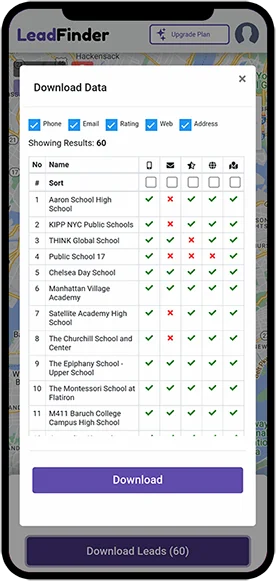
See the workflow on your phone.
Move from a business category and location to a list of results you can review. App appearance may vary by version.

Which app should I look for?
The Android listing is LeadFinder -Get Business Leads. The Apple listing is Lead Finder CRM. Use the links on this page to reach the correct listings.
Can I see the price before purchasing?
Yes. Review the plan screen and purchase confirmation in the app. Check the billing period and included allowances as well as the displayed price.
Where can I get account help?
Use the support page or email [email protected]. Do not include your password or payment details in a support request.